Search Tips
How to enable swipe mode or tap-only mode
This article explains how to set swipe mode or tap-only mode to navigate through functions and profiles on the REM400 or REM500.
-
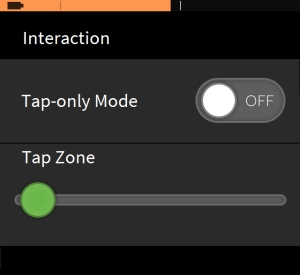
From the status and settings screen, tap on Settings and then Interaction.
-
To enable swipe mode, set the Tap-only Mode button to OFF.
-
To enable tap-only mode, set the Tap-only Mode button to ON.